
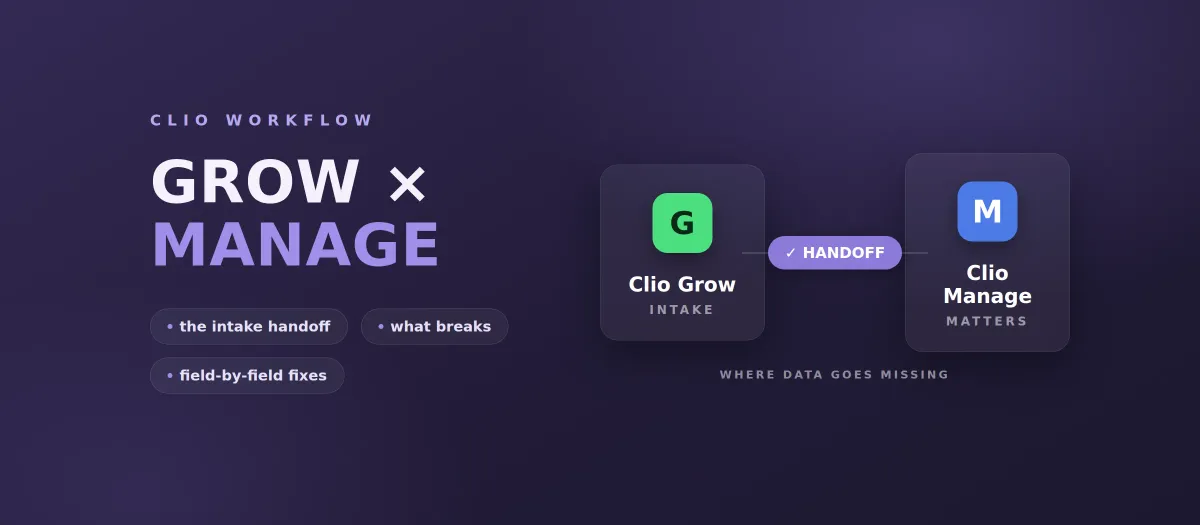
Quick answer. Clio Grow is intake and CRM, covering the period before someone hires you. Clio Manage is practice management, covering everything after. They are separate products with separate custom field sets. Clio's documented way to move a matter from one to the other is a manual action inside Grow: open the matter, click Convert to Clio Manage, fill in what Manage needs that Grow did not collect, convert. Everything a firm loses in that step, re-typed fields, dropped intake context, matters that sit unconverted, is the reason a market exists for Clio implementation specialists at $20 to $55 an hour.
Most comparisons of these two products stop at the feature table. Grow does leads, forms, scheduling, e-signature. Manage does matters, calendaring, documents, trust accounting, billing. That part is not in dispute and Clio publishes it themselves.
The part nobody writes about is the seam. Almost every firm running both ends up with a person whose job includes moving information across it, and that person is usually not the person you hired to do it. This is a look at the seam itself: what the supported path actually is, what it does not carry, and how to decide whether to configure around it or build through it.
The supported path is a click, not a sync
Clio's own help documentation describes the conversion as a manual, per-matter operation performed inside Clio Grow. You open the matter, click Convert to Clio Manage, add any necessary information, and click Convert matter. The matter then exists in Manage and you can open it there.
Read that sequence carefully, because the important phrase is add any necessary information. That is the step where a human supplies whatever Manage requires that Grow did not hold in a compatible shape. It is not a background sync. It is not batched. It runs at the speed of whoever remembers to do it.
For a firm converting four matters a month, this is a non-issue. For a personal injury practice signing forty, it is a part-time job that hides inside somebody's day.
What does not carry across
Four things go wrong repeatedly, in roughly this order of frequency.
Custom fields. Grow and Manage maintain separate custom field definitions. A question you added to your intake form in Grow has no counterpart in Manage unless someone deliberately created a matching field there. If you built a thorough intake form, and most firms that buy Grow did, a meaningful share of what you collected has nowhere to land. It either gets pasted into a note, re-typed into a field that half-matches, or quietly lost.
This gets worse once a developer tries to fix it programmatically. In the Clio Manage API, custom field values are written against a value instance rather than against the field definition, which is the single most common thing people get wrong the first time they automate Clio data. We wrote that trap up separately in the custom field value-instance problem.
Matter setup. Converting creates the matter. It does not create the practice-area task list, the deadline set, the document folder structure, or the billing arrangement that matter should have had on day one. Someone applies those afterward from memory, which means two matters signed the same week can be set up differently depending on who processed them.
Source attribution. Grow knows where the lead came from. Manage is where the money eventually appears. If the source field does not survive the conversion in a queryable form, your firm cannot answer the question of which marketing channel produced revenue, only which one produced leads. Firms discover this about eighteen months into a marketing spend, which is a bad time to discover it.
The unconverted pile. Because conversion is manual, there is always a set of signed clients who exist in Grow and not yet in Manage. Nothing in either product raises its hand about this. The clock on their work has started; the system that tracks deadlines does not know they exist.
The market rate for patching this by hand
You can price this problem from public data, because firms advertise for help with it in the open.
On the freelance market, law firms post for Clio Grow and Clio Manage implementation specialists at $20 to $55 an hour, on engagements running one to six months. The scopes are specific and they repeat: rebuild the intake pipeline with stage owners and response deadlines, build the automation map for attorney-review escalation and fee-agreement reminders, fix required fields and source capture, build matter and task templates per practice area, and wire the Grow-to-Manage handoff. One personal injury firm published exactly that list as a scope of work.
That is what the fix costs when the fix is configuration. It is real work and, for many firms, the right amount of work. It is worth knowing that it exists as a category before assuming you need software written.
The related number is what firms spend on the manual version instead. Full-time offshore intake coordinators are hired for legal work at $1,000 to $1,050 a month, and paralegals with case management system experience at $1,400 to $2,000 a month. A firm that adds a person primarily to move information between systems is committing $12,000 to $24,000 a year, indefinitely, to a data-entry problem. That is the comparison that matters when someone asks whether an integration is worth building, and it is a very different comparison from Clio's per-seat cost. We broke the seat-cost side down separately in what Clio actually costs over five years.
Configure first. Here is the honest threshold.
Do the arithmetic before anyone writes code.
Count matters converted per month. Time one conversion end to end, including the fields that get re-typed and the message to the attorney asking for the thing intake did not capture. Multiply. Then add the cost of the failures: the matter set up wrong, the deadline entered late, the month you could not attribute revenue to a channel.
Under roughly 20 conversions a month, the answer is almost always configuration rather than engineering:
- Create matching custom fields in Manage for every Grow field you actually use, with identical names, and delete the Grow fields nobody reads.
- Build matter and task templates per practice area in Manage so setup stops depending on who did it.
- Make source capture a required field in Grow, and give it the same name in Manage.
- Put a named owner and a response deadline on each pipeline stage, so the unconverted pile has someone watching it.
That work is what the $20 to $55 an hour specialists do, and it removes most of the pain for most firms. Recommending it costs us a project and it is still the correct first move.
What an API-level handoff actually involves
Above that threshold, or where a missed field creates a real downstream problem, the handoff becomes an integration. The publicly documented REST API for the platform is the Clio Manage API, covering matters, contacts, documents, tasks, calendar, time entries, notes, and billing, along with webhooks and an inbox-leads endpoint that lets an outside system push a lead in. Automation spanning intake and case management is normally built against Manage, with the intake side handled through forms, lead push, or whatever system captured the lead first. Check the current API surface against Clio's developer documentation when you scope, because it moves.
A handoff worth paying for has five parts:
- A field map you can read. An explicit table of intake field to Manage field, including the ones that deliberately go nowhere. Written down, not implied by code.
- Matter templates applied on creation. Practice area determines the task list, deadlines, folders, and billing arrangement, applied at creation rather than remembered afterward.
- Idempotency. Re-running the handoff for the same signed client must not produce a second matter. This is the failure that turns a helpful automation into a cleanup project, and it is the first thing to test.
- Rate limit and retry handling. The Clio API enforces limits and a bulk backfill will hit them. Handle it deliberately, with backoff and a dead-letter path, rather than discovering it during go-live. We wrote up the specifics in Clio API rate limits and batch normalization.
- A visible failure mode. When a conversion fails, a named person is told, in a place they already look. Silent failure is worse than manual work, because manual work at least has someone standing next to it.
For the shape of the resulting workflow, the intake-to-matter-shell recipe walks through creating a fully populated matter from an intake record, and normalizing Clio custom fields covers the mapping layer underneath it.
Where Zapier lands
Most firms considering this have already been told to use Zapier, and for a genuinely simple trigger it is the right tool. The place it stops being the right tool is specific rather than ideological: when the mapping needs conditional logic per practice area, when you need idempotency guarantees on retry, when a partial failure has to be recoverable, or when someone has to be able to read what the automation does a year later without a subscription to see it. When a Zapier rule is the right answer for Clio, and when it is not: Zapier's Clio MCP vs an open-source connector.
We put the comparison in writing for the equivalent MyCase question in MyCase connector versus Zapier, and the reasoning transfers. Neither answer is universal. The threshold is.
If you also want AI reading this data
Firms fixing the handoff are usually the same firms asking whether Claude can work against their matter data. Those are related projects and worth sequencing deliberately: clean the field mapping first, because a model reading inconsistent custom fields produces confidently wrong answers, and inconsistent data is the most common reason legal AI pilots quietly fail.
Our open-source Clio MCP connector is on npm and Anthropic's MCP Registry, giving Claude tools across matters, contacts, documents, tasks, calendar, time entries, notes, and billing. It runs locally, credentials stay on the machine, and every call is logged append-only for ABA Opinion 512. You can read the code before you talk to us. What it does not do is invent a field map you never built.
Where Oktopeak fits
We build integrations on the Clio API for firms that have outgrown configuration. If your problem is pipeline setup and templates, hire a Clio implementation specialist and keep your money. If your problem is that forty matters a month are being re-keyed by a person, or that a field getting lost has already cost you something, that is our work. See how the Clio integration engagement runs.
The starting point is free: a 30-minute review where you walk us through the intake week and we tell you which parts are configuration, which parts are a build, and which parts should stay manual. Some of it should stay manual. Our Guided Setup starts at $1,700, and a full custom build with field mapping, matter templates, and write-back runs $17,000 to $53,000, scoped after that call.
