[ OPEN SOURCE ]
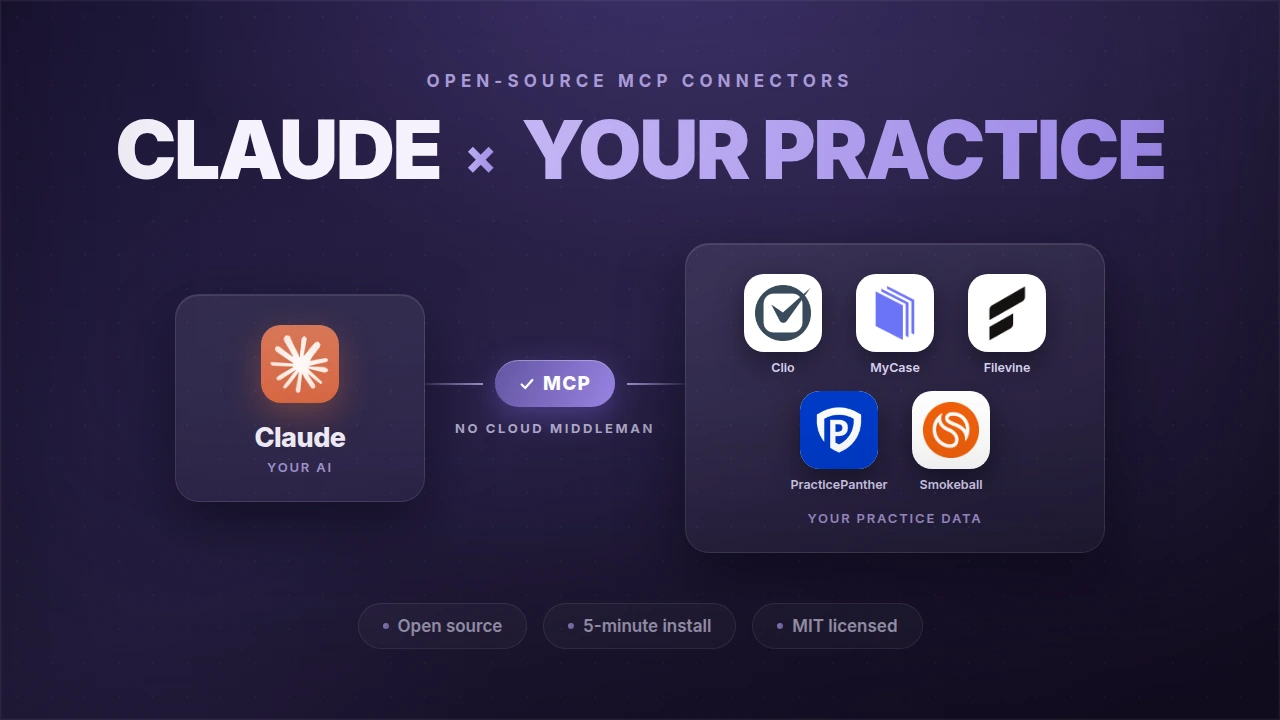
Open-source Model Context Protocol connectors for Clio, MyCase, Filevine, IntakeQ, and Lawmatics, five legal and healthcare practice-management systems, one architecture, no other agency ships this set. Every connector is MIT licensed. Read the source before it touches client data.
1.6k+
Downloads, last 30 days
4
Practice-management systems
26 + 18 + 15
Tools: Clio, MyCase, Filevine
MIT
Free, source-available, on npm
[ THE SET ]
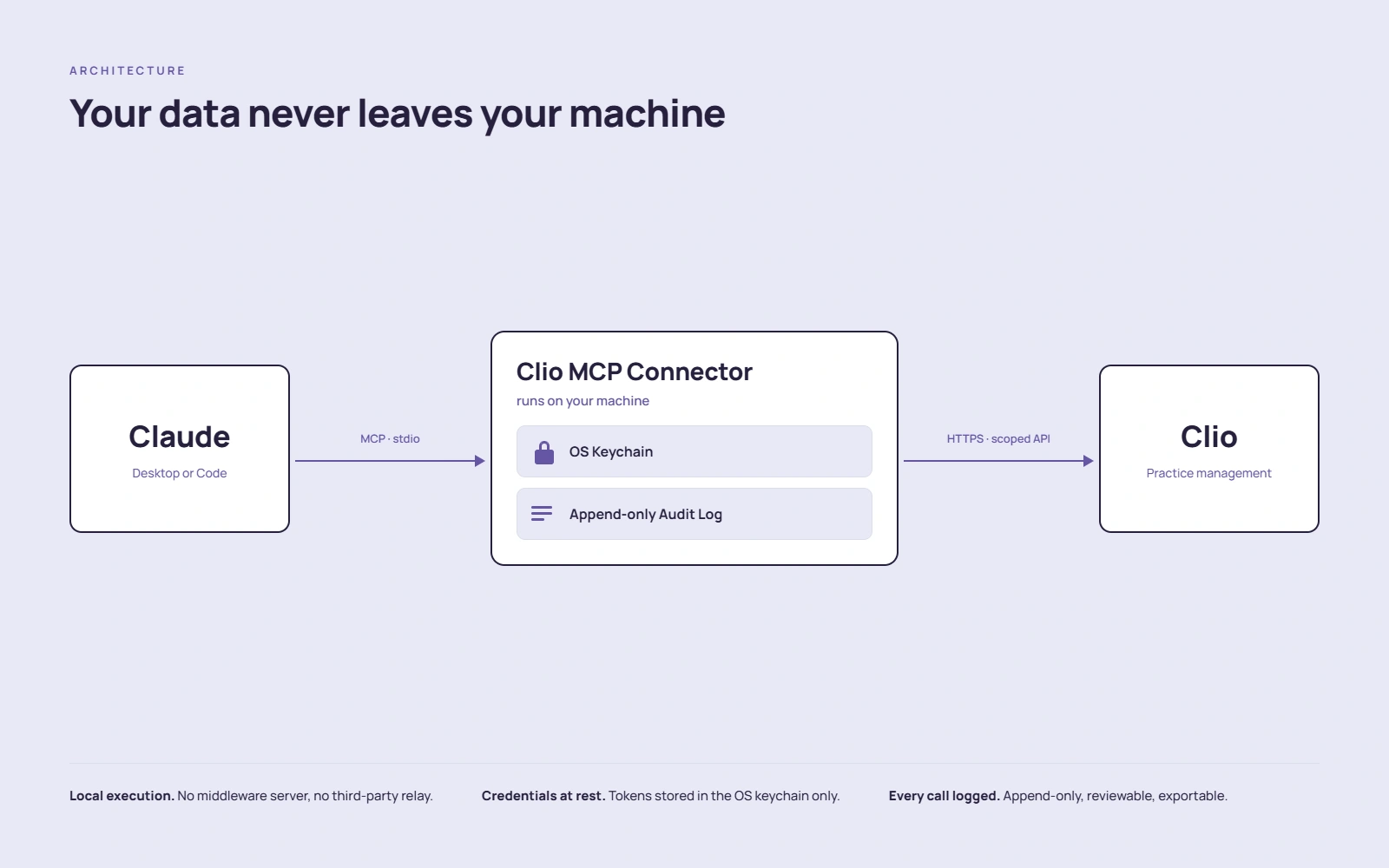
Same pattern every time: local process, OAuth credentials encrypted in your OS keychain, append-only audit log, no data routed through Oktopeak servers.
[ TRACTION ]
Real daily download counts across all five packages, pulled live from the npm registry every time this page builds.
[ SEE IT WORK ]
The MyCase connector, live: cases, contacts, documents, and calendar, without copying client information into chat.
MyCase MCP: Claude pulls live case data
Cases, contacts, documents, calendar, without copying client information into chat. Every tool call audit-logged.
[ HOW IT'S WIRED ]
Claude on one side, the practice-management system on the other, and the connector in between, running on the firm's own machine, not ours.
“It’s very commendable, significant time went into that. Thank you both for open-sourcing it.”
Alexander W. Ostheimer-Lebeau
Founder & Director, family-law firm (Ontario)
On our Clio connector · June 2026
[ FAQ ]
[ MORE CASE STUDIES ]
LEGAL TECH · HIPAA
HIPAA-compliant case management platform for structured settlements. Three portals, audit-ready from day one.
Read the case studyFINTECH · ESG
ESG intelligence platform for fund managers: sustainability performance, SDG alignment, compliance-ready reports.
Read the case studyLEGAL TECH · SEARCH
Semantic search across 1M+ documents in 100ms. $224K+ in annual savings for the firm.
Read the case studyHEALTHCARE · AUDIT TRAIL
Case lifecycle management for senior living placement: enforced state machine, append-only audit trail, aging-aware reporting.
Read the case studyHEALTHCARE · HIPAA-READY
AI-powered continuing medical education: quiz generation from PDFs and PubMed, verified credit tracking, gamification.
Read the case study[ GET STARTED ]
Or have us deploy it in your firm with scoped credentials, the audit log wired into your stack, and a workflow built with your team.
